
Case 01
A poster whose date moved
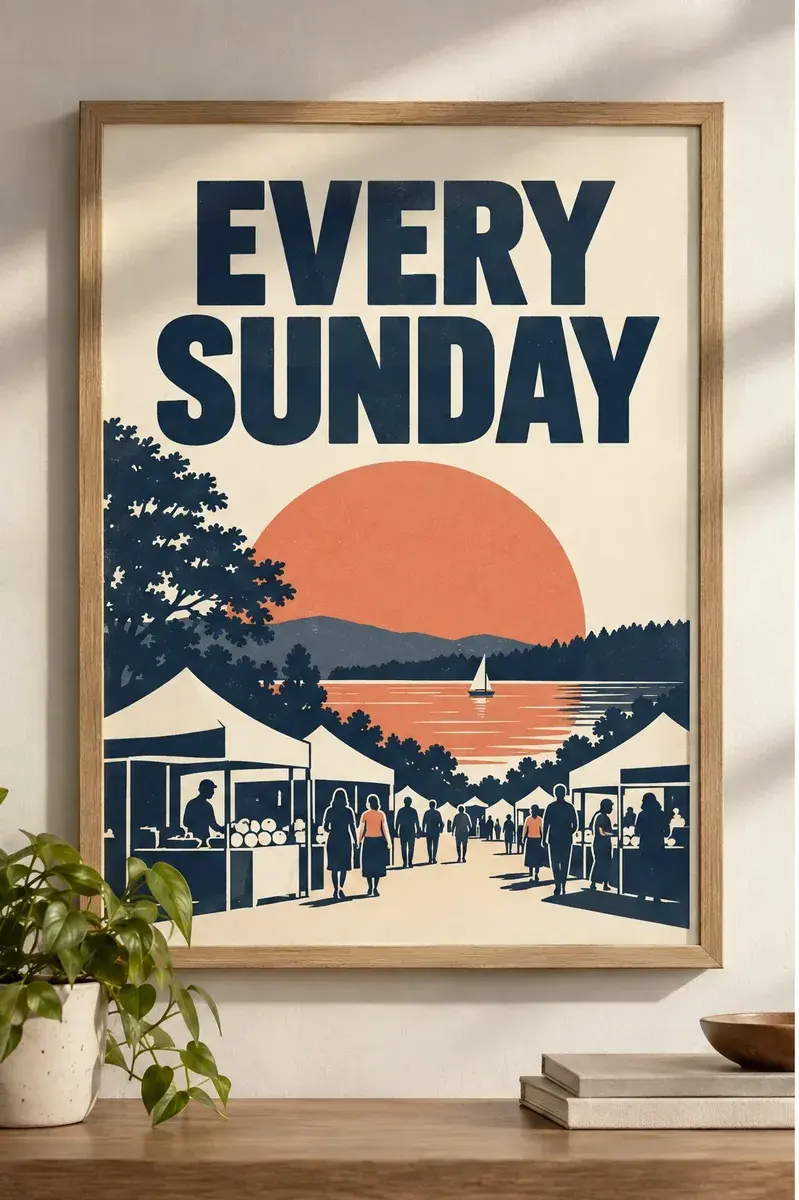
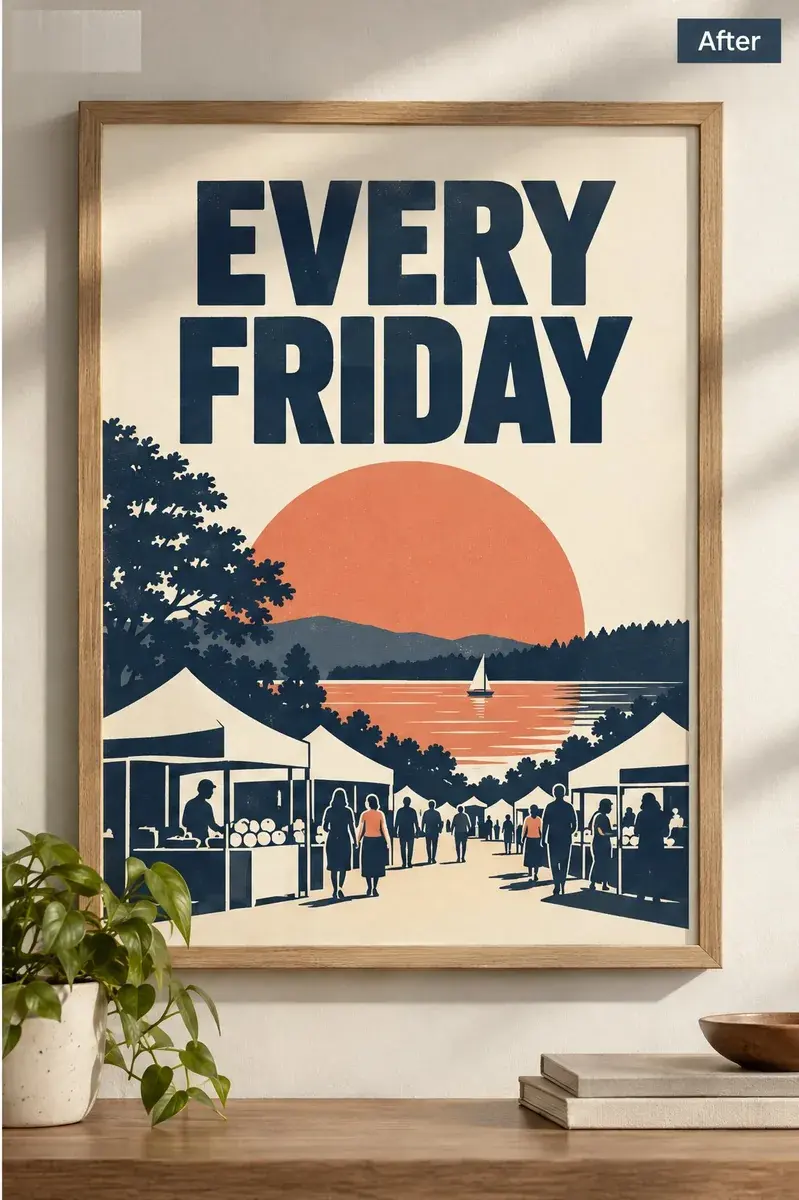
The headline had to read a different day without the rest of the layout shifting.
- Edit:
- EVERY SUNDAYEVERY FRIDAY
- For:
- an event poster that was already printed or published
 Before
 After
AfterAn editor for images that already exist. Change the words in a photo, a poster or an AI-generated picture, and the rest of the frame comes back as it was — no design file, no Photoshop.
One headline replaced on a poster, with the layout and the picture around it left in place.
AfterBeforeExample: “EVERY SUNDAY” becomes “EVERY FRIDAY”. The line above it, the frame and the wall behind come back essentially unchanged.
Enter the text that appears in the image, then the wording you want instead.
Generate without signing in. A Google sign-in is only needed to download the file.
Only edit images you own or are authorized to change. Do not alter official records, proof of payment, or content intended to mislead someone.
An AI image text editor changes words that are already part of a finished picture. You type the text that is there now and the text you want instead: the model rewrites those characters and is asked to leave the rest of the frame identical. It works on JPG, PNG and WebP, needs no design file, and is not a draggable text layer.
Two different jobs get called “editing text in an image”. One adds a new text box on top of a picture; the other replaces lettering that is already burned into the pixels. Only the second one is hard, and it is the only one this tool does.
There is no hidden text underneath a JPG. The letters are just coloured pixels, so changing them means reconstructing the surface behind them at the same time. That is what the model is for: it reads the line you point at, works out the surface it sits on, and paints the new characters in its place. You supply the two strings; it supplies the reconstruction.
A generated picture comes back with a sign, label or headline that says the wrong thing. There are two ways out, and they cost different amounts of the picture.
Option A
Write a new prompt and try your luck. Sometimes that is the right call — if the composition, the lighting or the subject is wrong, the text was never the problem.
Option B
Keep the image and replace the characters. The composition, the lighting and the background stay where they are because nothing else was asked to change.
The honest limit: this route assumes the picture is right in everything else. If the whole composition is off, regenerate. If only the lettering is off, editing is faster and keeps what you already approved.
Nothing is re-typeset here. The model is not asked to choose a typeface for the new words — it is asked to replace specific characters in place, so the weight, slant, spacing and colour it reproduces come from the letters already sitting there.
That is also why the result reads as the same design rather than a patch: the new characters inherit the rhythm of the line around them instead of being set fresh on top of it.
If matching the original lettering is the whole job, the same-font workflow goes into it in more detail. Edit text in an image with the same font
Three different tools with three different starting points. The question that decides it is what you still have on hand.
| What you need | This AI editor | Text layer (Canva, PSD) | Photoshop |
|---|---|---|---|
| Change wording that is already in the image | Upload the JPG, PNG or WebP | The original design file with a live text layer | The layered file, or the skill to rebuild the area |
| Source file required | No | Yes — without it there is nothing to edit | Yes, for a clean result |
| New words follow the original lettering | Yes, because the characters are replaced in place | Yes, if the font is installed | Yes, if you can identify the font |
| The rest of the picture | Left as it was | Unchanged | Unchanged, but every pixel you touch is your responsibility |
Rows describe the usual case, not a rule. A text layer beats every option in this table when the source file still exists — the only reason to reach for an AI editor is that it no longer does.
Upload the picture, pick the line you want to change, then check the result before you download it.
Use the original JPG, PNG or WebP rather than a screenshot of a screenshot. A copy that has been resized and re-compressed several times leaves the model less to reconstruct from.
After upload, phrases found in the image become clickable. Click the one you want and it fills the current-text field exactly; then type the replacement. Typing it yourself works too — it just has to match the picture character for character.
Look at the changed line at full size: the characters, the surface behind them, and anything sitting next to them. If the lettering drifted or the background shifted, adjust what you entered and run it again.
Typing the current text exactly is what keeps the wrong line from being changed. If what you type does not appear in the text the detector found, the panel says so before you run it — the call is still yours to make.
Five real edits, each with the exact strings that changed. Nothing here is a mock-up of a result we did not produce.
Case 01
The headline had to read a different day without the rest of the layout shifting.
BeforeAfterCase 02
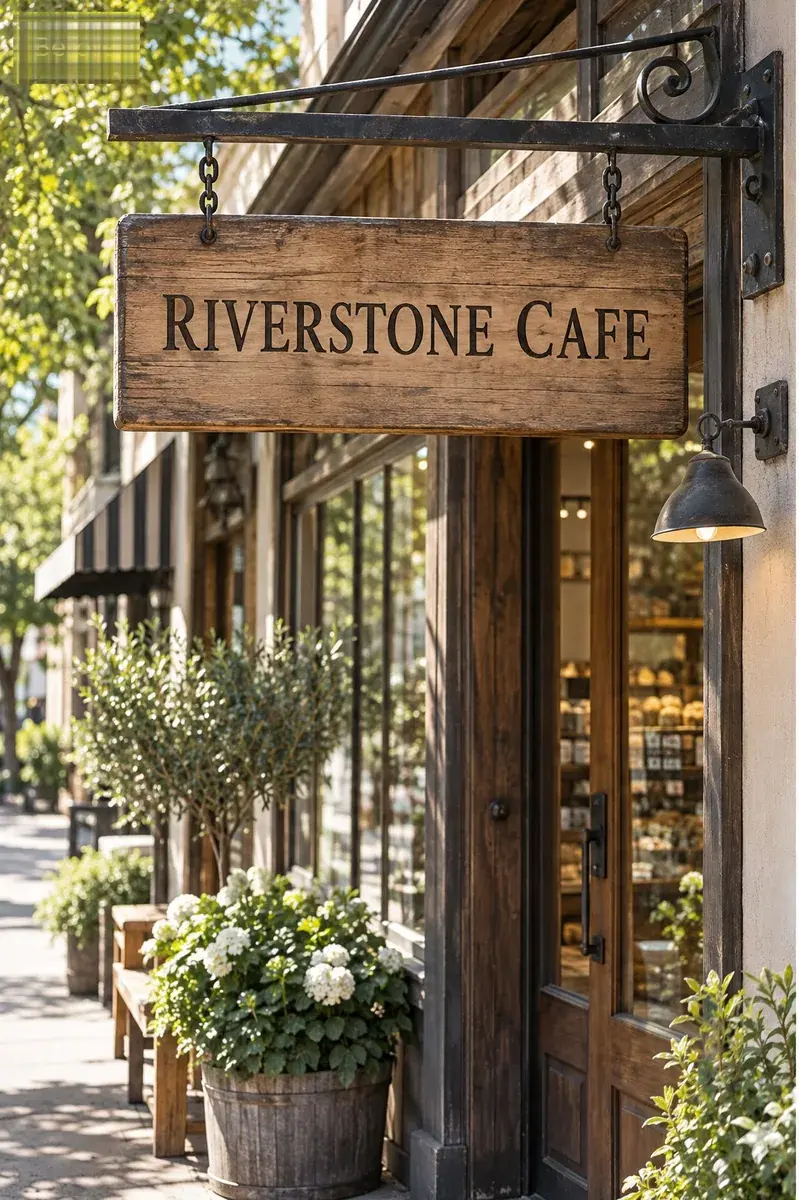
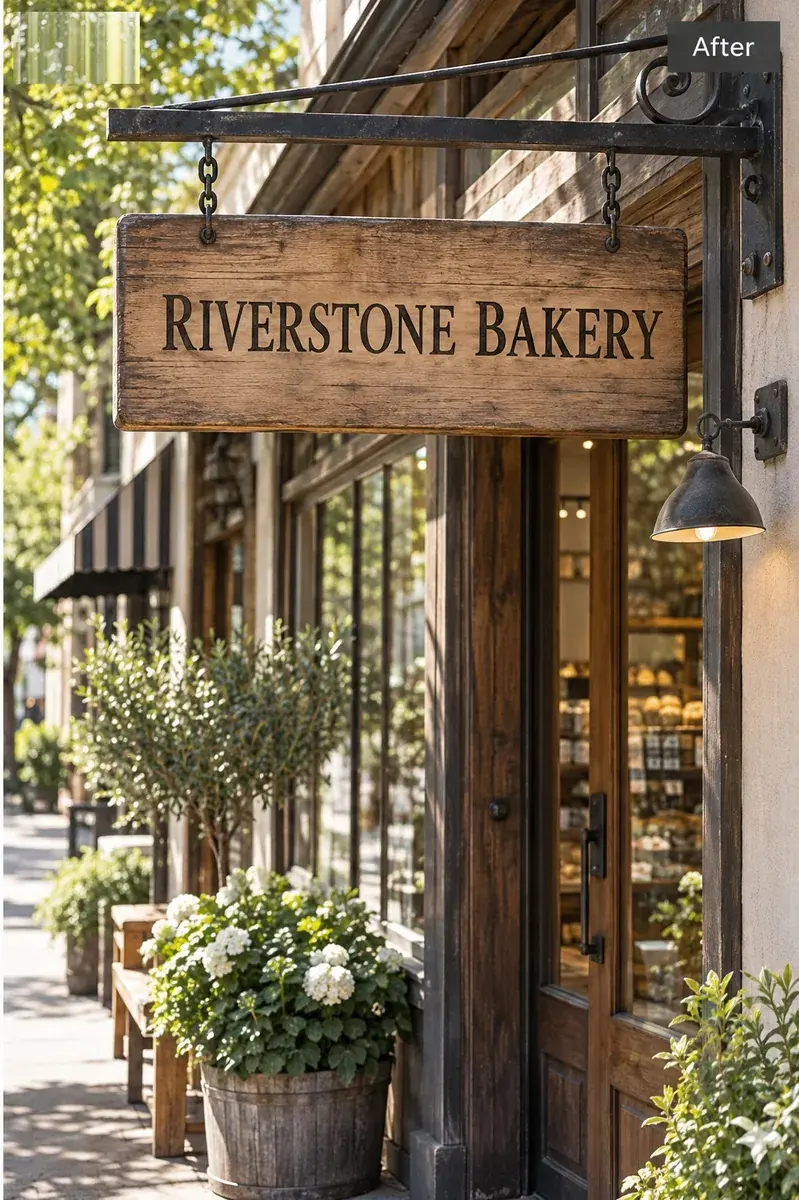
The name on the board changed; the wood, the frame and the lettering around it did not.
 Before
 After
AfterCase 03
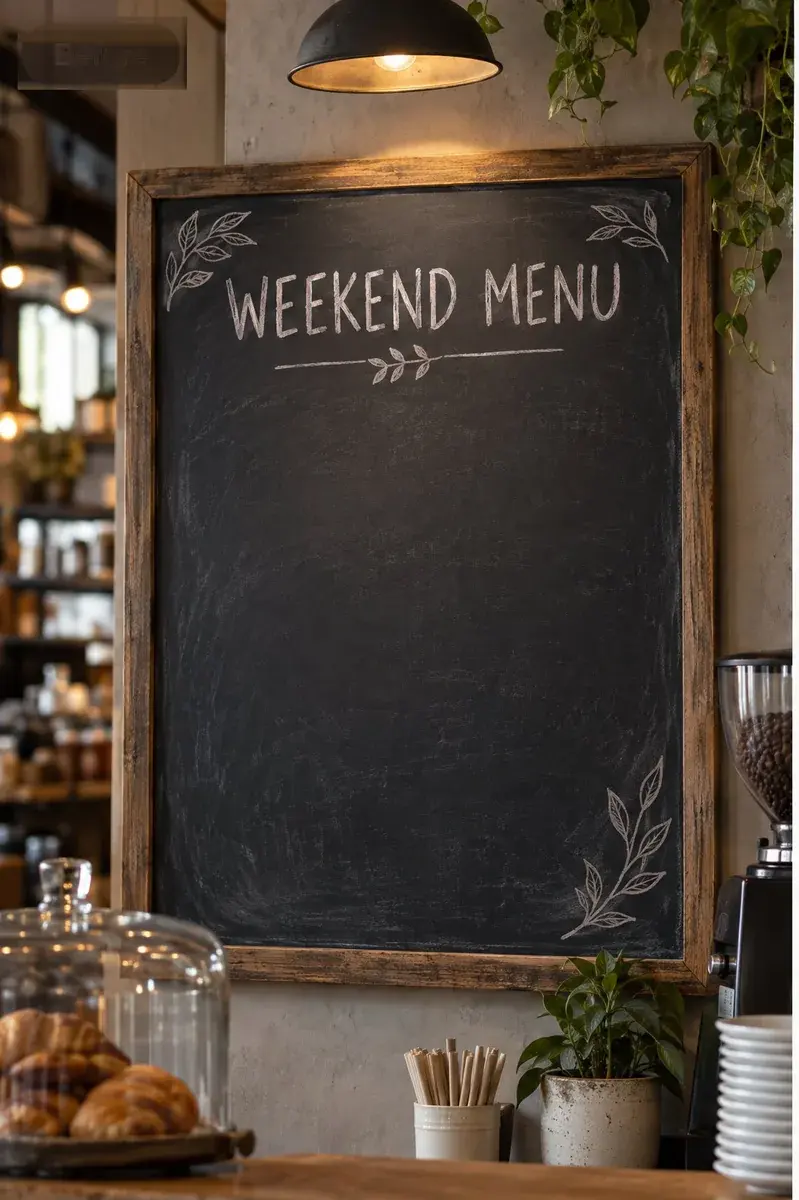
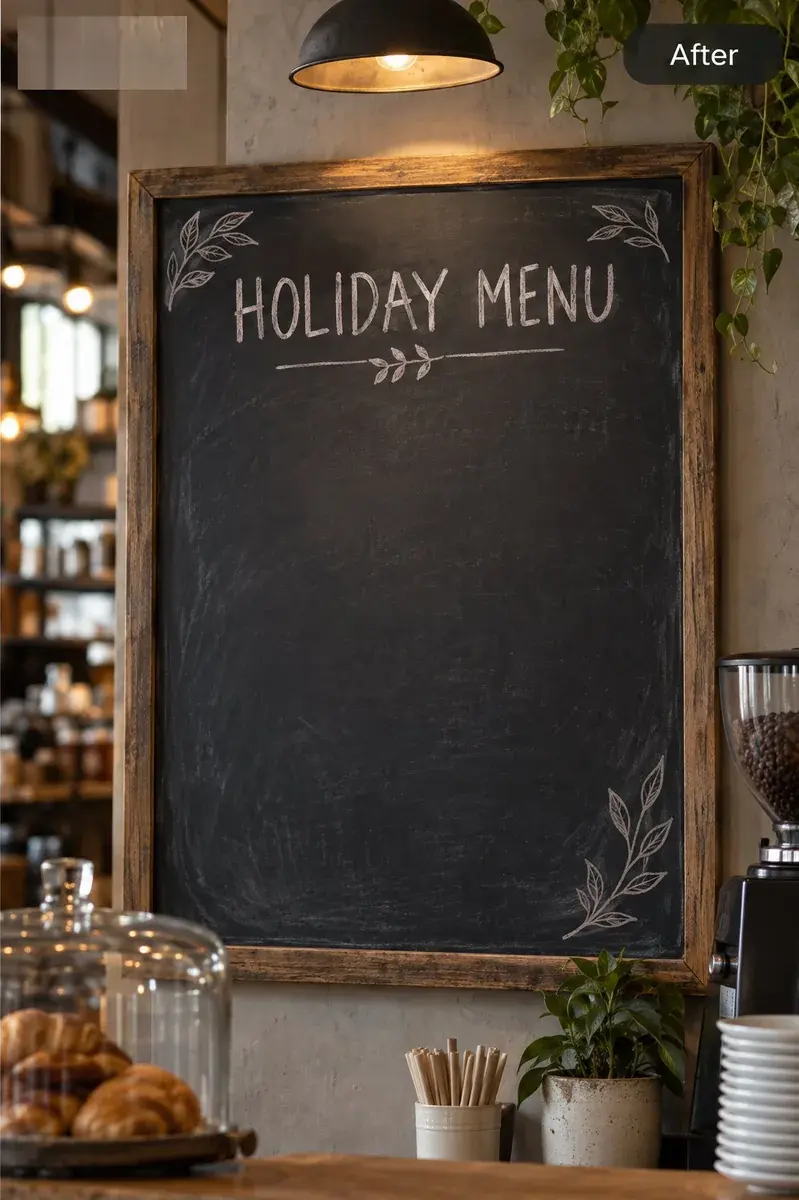
One line at the top of the board, replaced without re-shooting the menu.
 Before
 After
AfterCase 04
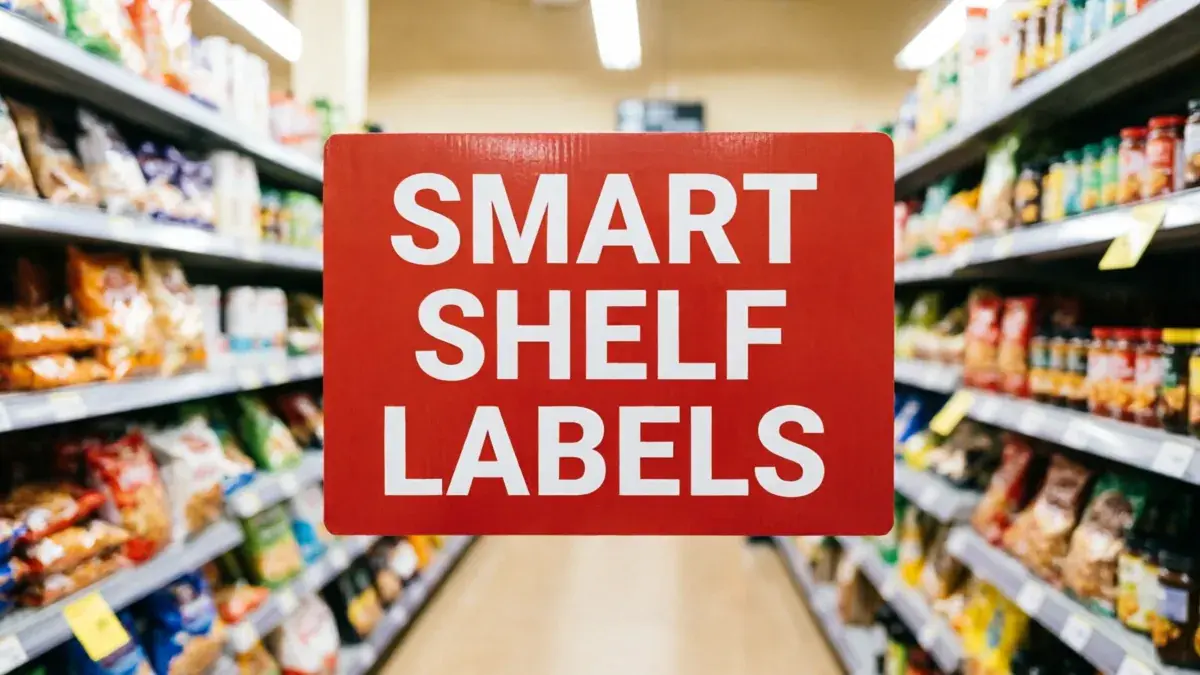
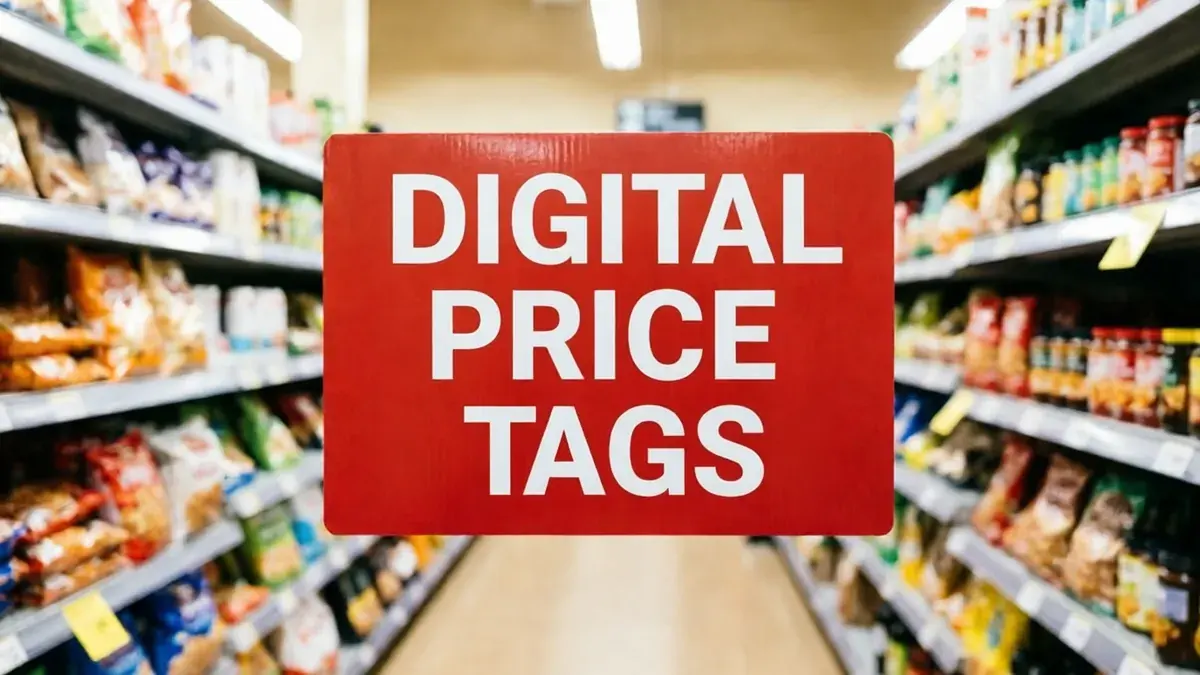
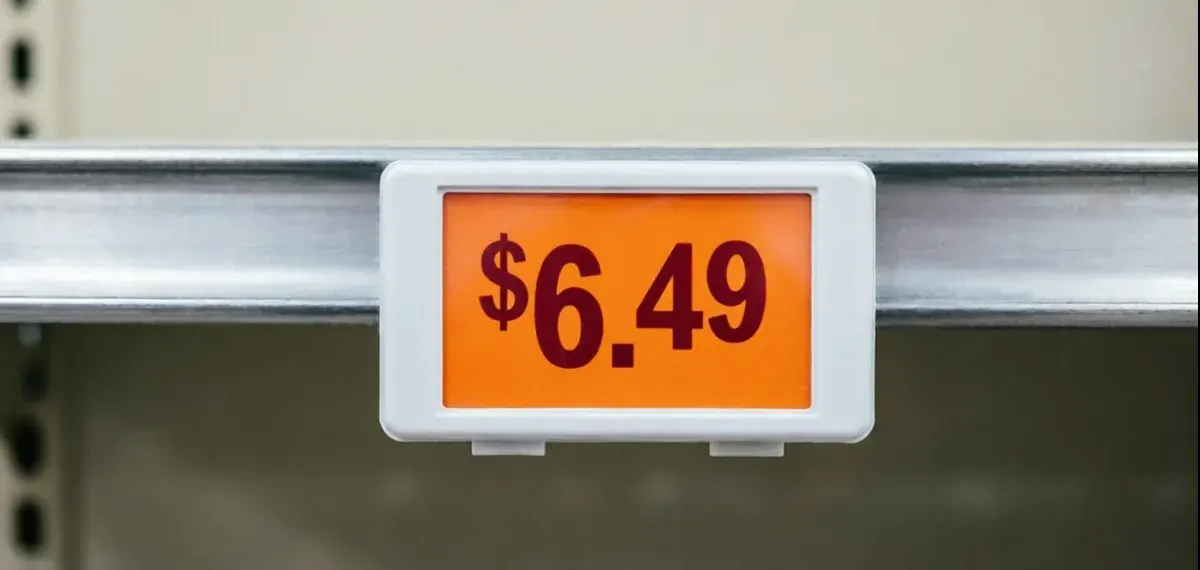
The label line was replaced on a retail fixture where the surrounding shelves had to stay put.
 Before
 After
AfterCase 05
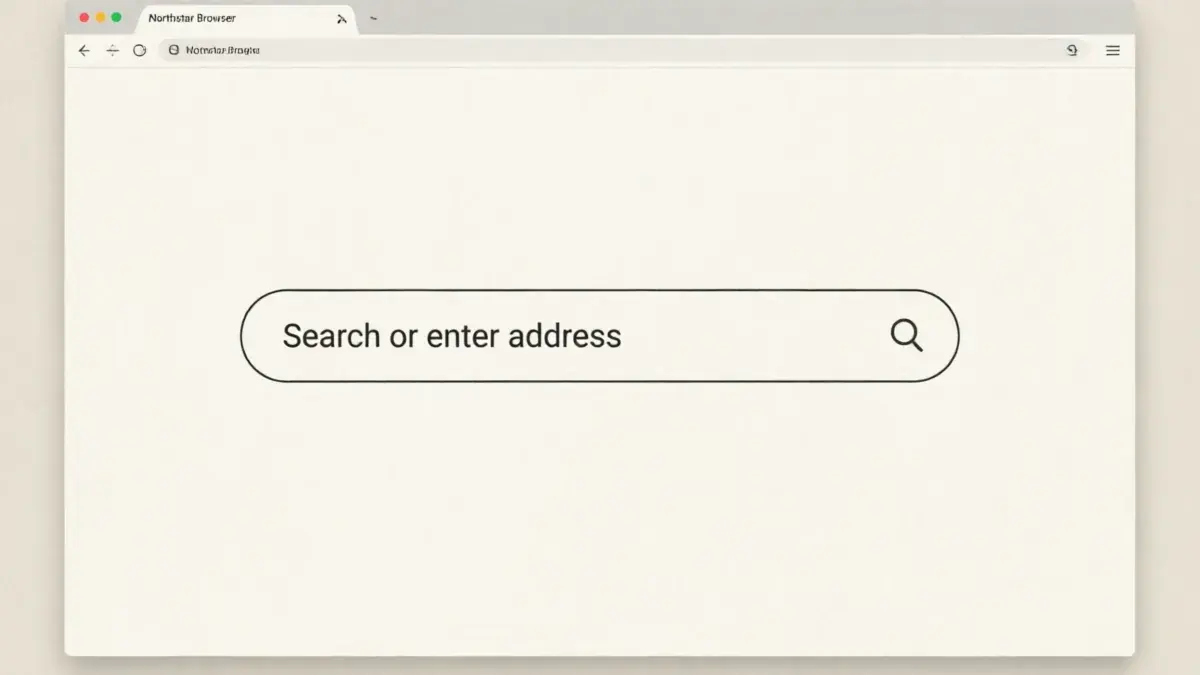
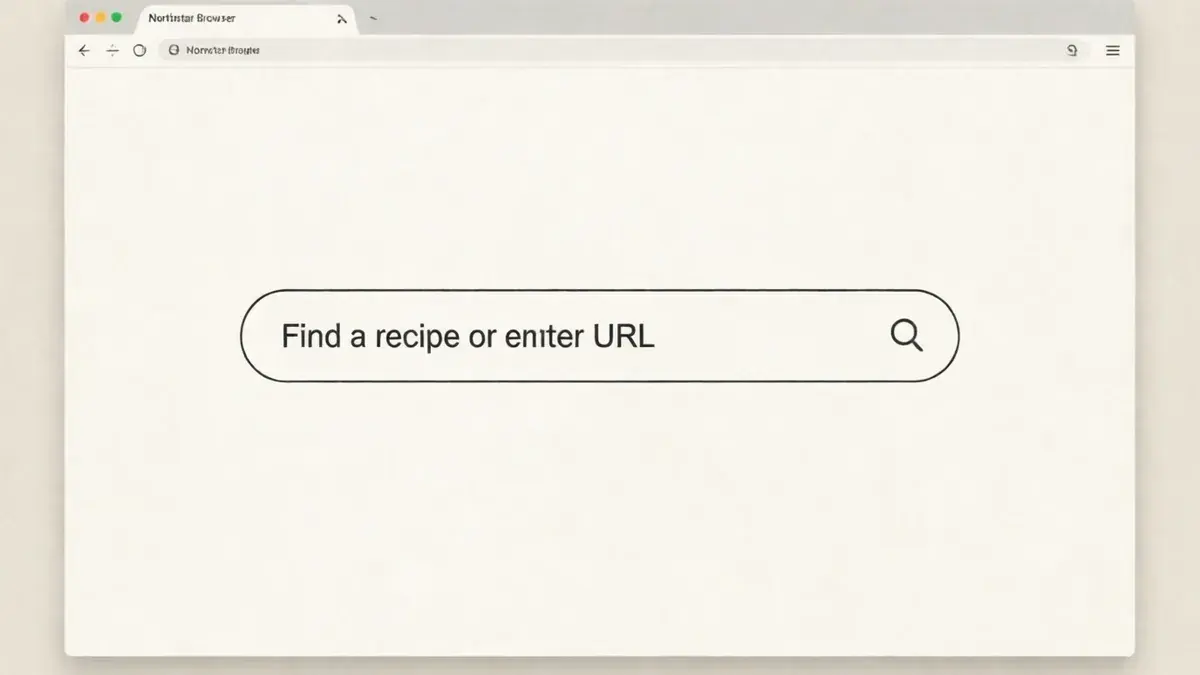
A field label inside a product shot, replaced while the surrounding interface stayed identical.
 Before
 After
AfterEvery pair comes from the same workflow this page runs. The surface around the changed words returns essentially unchanged — “essentially” because the model reconstructs pixels rather than moving a layer.
Knowing this up front saves a wasted generation on an image this workflow was never going to handle.
Short or medium text on posters, signs, menus, labels and interface captures, where the lettering sits on a fairly even surface and the replacement is close in length to the original.
Curved or arched lettering, decorative display faces, very long replacements that change the line length, and small type over a busy or reflective background are the four that come back wrong most often.
Adding text that was never in the picture, moving an element, changing the layout, or recovering the font file. It replaces characters; it does not rebuild the design.
We test these edits on generated posters, shopfronts, menus and interface captures. Typing the current text character for character is what keeps the wrong line from being changed, so compare the result at full size before you download.
The questions that decide whether this works for your picture.
An AI image text editor replaces text that is already part of a finished image. You type the words that are there now and the words you want instead, and a model repaints those characters in place. It is not a text layer: there is no box to drag, and the output is a new image file rather than an editable document.
Yes. A generated JPG or PNG is a flat image like any other, so the workflow is the same: name the line that is wrong, type the replacement, and the model repaints those characters. The rest of the picture is asked to stay identical, which matters more here than anywhere else — regenerating the whole image would change the parts that were already right.
Type the characters as they appear, even if they are not a real word. The editor needs the string to match the pixels before it can replace them. Uploading first helps: any phrase the detector can read becomes clickable, and clicking it fills the field with the exact characters instead of your transcription of them. If the lettering is too distorted to read at all, the line usually cannot be replaced cleanly and generating the image again is the better route.
The instruction given to the model is to change only the characters you named and leave everything else identical. In practice the surface around the words comes back essentially unchanged, which is the point of editing rather than regenerating. “Essentially” is the honest word: the model reconstructs pixels, so an element sitting immediately next to the text — a small icon, a shadow, a thin rule — is worth checking at full size.
No. A flat image does not carry the font, and you do not have to identify it. The new characters are produced from the lettering already in the picture, so weight, slant, spacing and colour are taken from the line being replaced. That gives a close visual match; it does not recover the typeface’s identity.
It is built to. Because the characters are replaced in place rather than set fresh, the result inherits the line’s shapes, weight and spacing. It is a visual match, not the same font by definition — and short replacements on even surfaces match far more closely than long ones on busy backgrounds.
Uploads are not restricted by script. Results vary: scripts with connected or stacked letterforms — Arabic, Devanagari, Thai — are harder to repaint cleanly than Latin, Cyrillic or CJK. Check the output at full size before you use it.
No. The editor works on the image file you already have — JPG, PNG or WebP. That is the whole point: the workflow exists for the case where the layered source is gone, was never yours, or would take longer to find than to redo.
The first edit is free and does not require an account. After that, edits are bought in one-time credit packs with no subscription, and an edit that fails is refunded automatically. A Google sign-in is only needed to download the finished file.
The common failures are curved or arched lettering, very small type, decorative display faces, replacements much longer than the original, and text sitting on a busy or reflective surface. When the result is wrong, the fix is usually to shorten the replacement or to re-type the current text exactly — not to run the same request again.
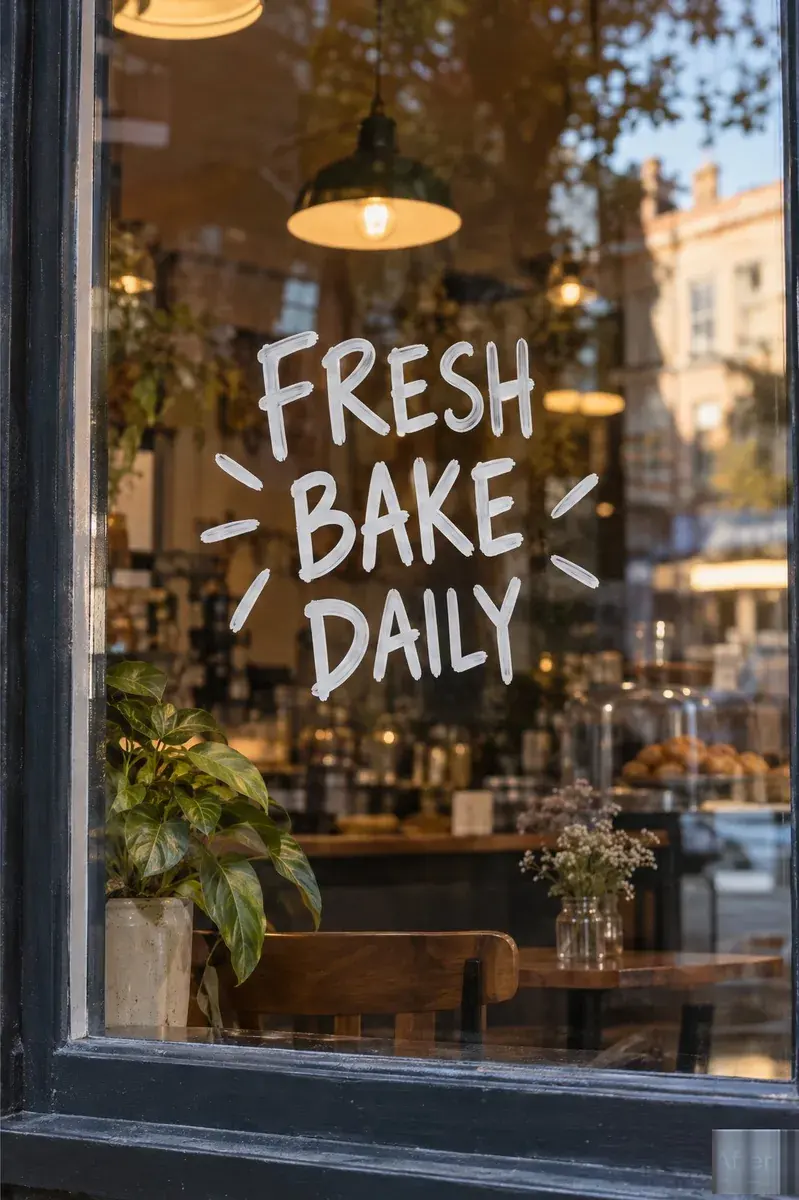
Upload the image, type the line that is there now and the line you want instead, then check the result at full size before you download.