

AI Image Text Replacement
Edit Text in Images Without Photoshop
Upload an image, enter the text currently shown, then type the replacement. Generate an updated image to review and download.
Upload imageTransformation preview
Interactive demoDrag the slider to inspect reconstructed text and preserved background texture.
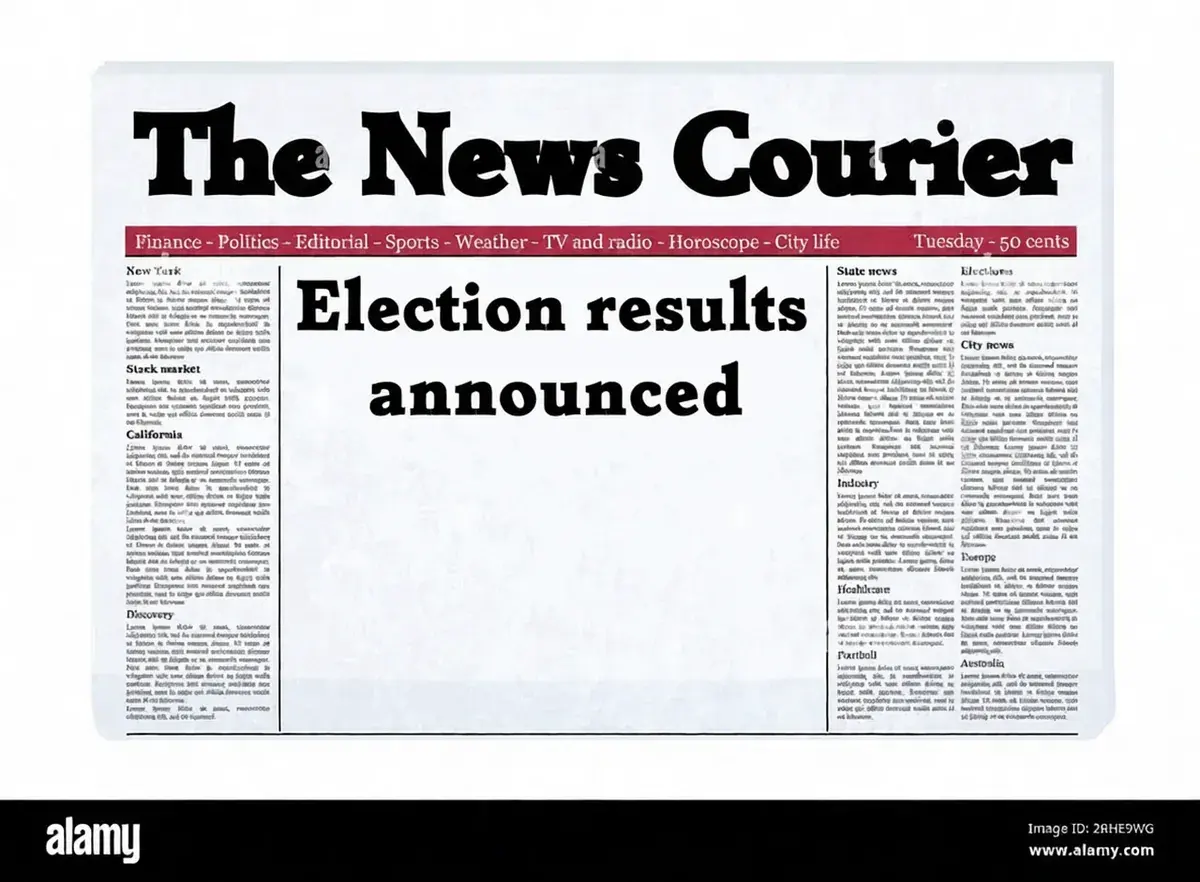 After
After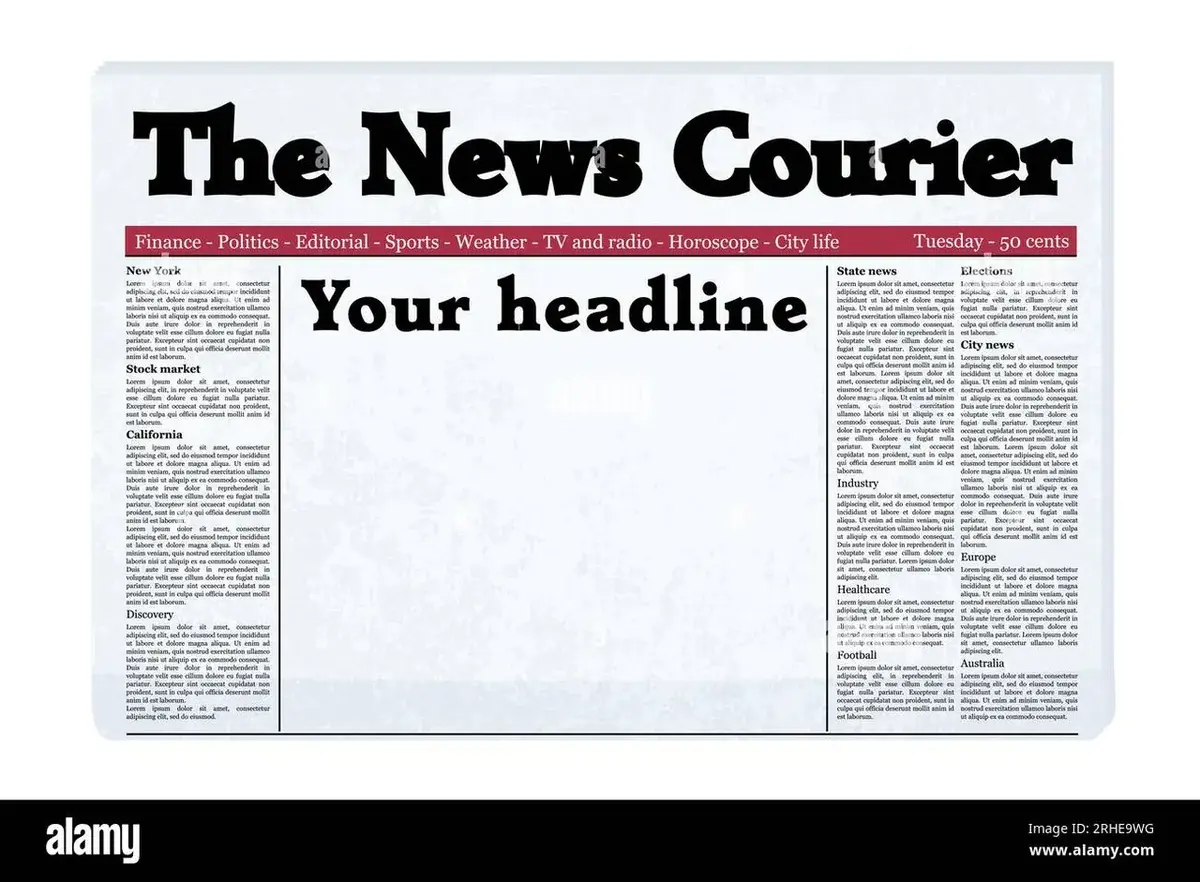 Before
Replace existing text
Tell us what the image says now and what it should say instead.
Upload image
JPG, PNG, or WebPOr drag and drop an image here
Please do not upload ID cards, passports, bank statements, official documents or anything intended to mislead someone.
- First edit free
- Preview before download
- JPG, PNG, and WebP
THREE STEPS
How to edit text in an image
No design software required. Describe the text change, then review the generated image.
Upload your image
Choose a JPG, PNG, or WebP image containing the text you want to change.
Enter the text change
Type the current words exactly as they appear, then enter the replacement.
Generate and review
Create an updated image, compare the result, and download when it looks right.
The editor replaces existing text; it does not add a freely positioned text layer or recover the original font file.
REAL EXAMPLES
Examples of editing text in images
See how short text replacements can update signs, headlines, menus, and posters without rebuilding the original image.
- BeforeAfter
Newspaper front page
Edit a headline in an image
Update a short headline while keeping the surrounding page intact.
Your headlineElection results announced
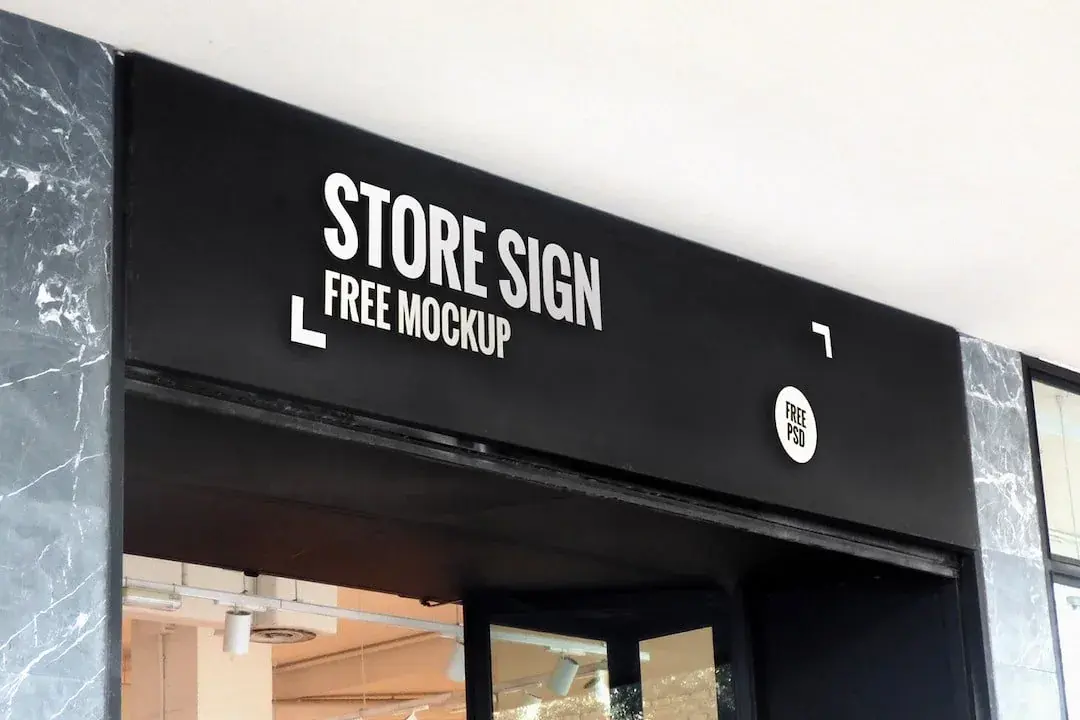 Before
 After
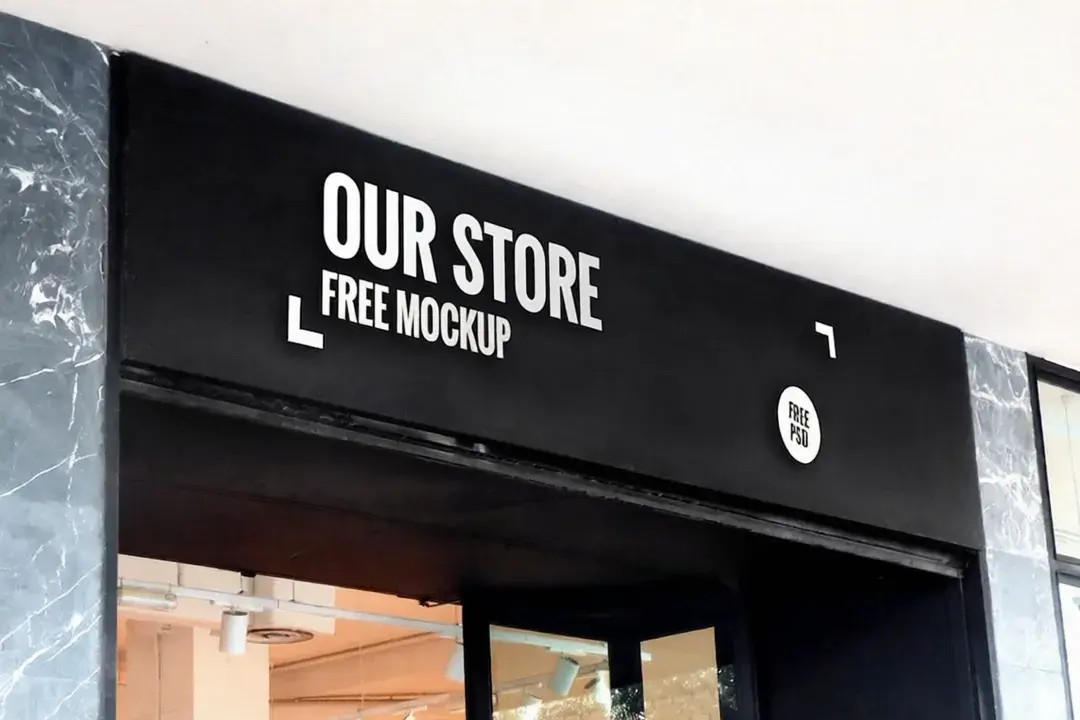
AfterShop sign
Replace sign text in an image
Refresh a shop sign when the original source file is no longer available.
STORE SIGNOUR STORE
 Before
 After
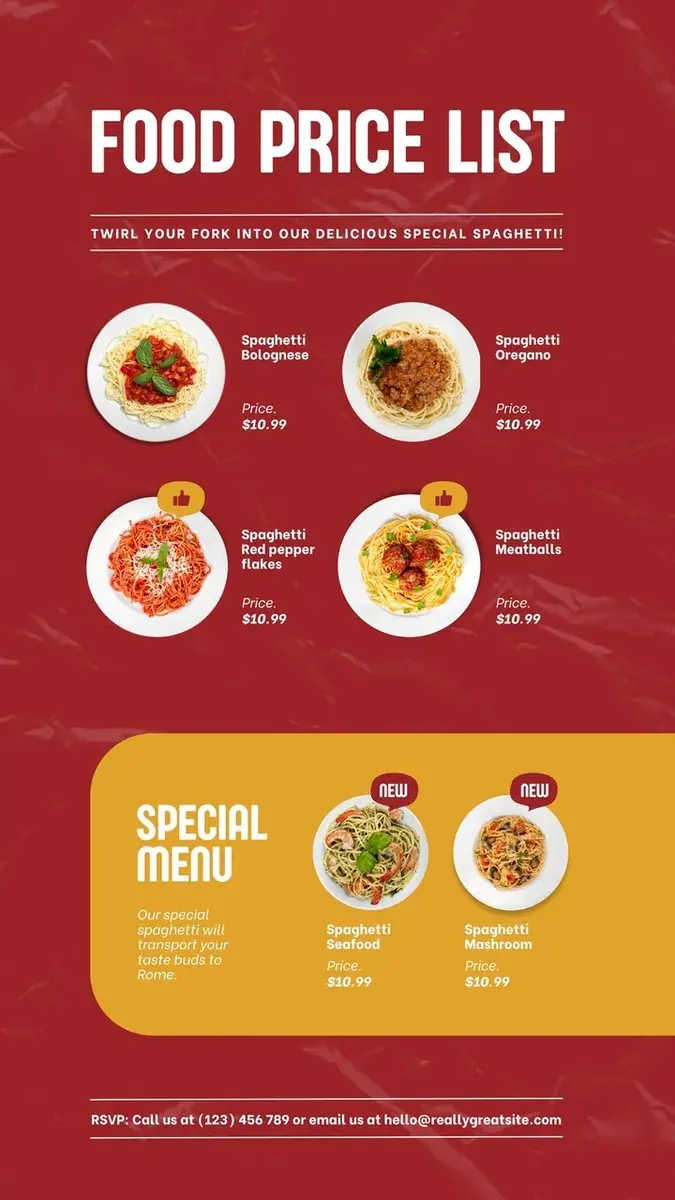
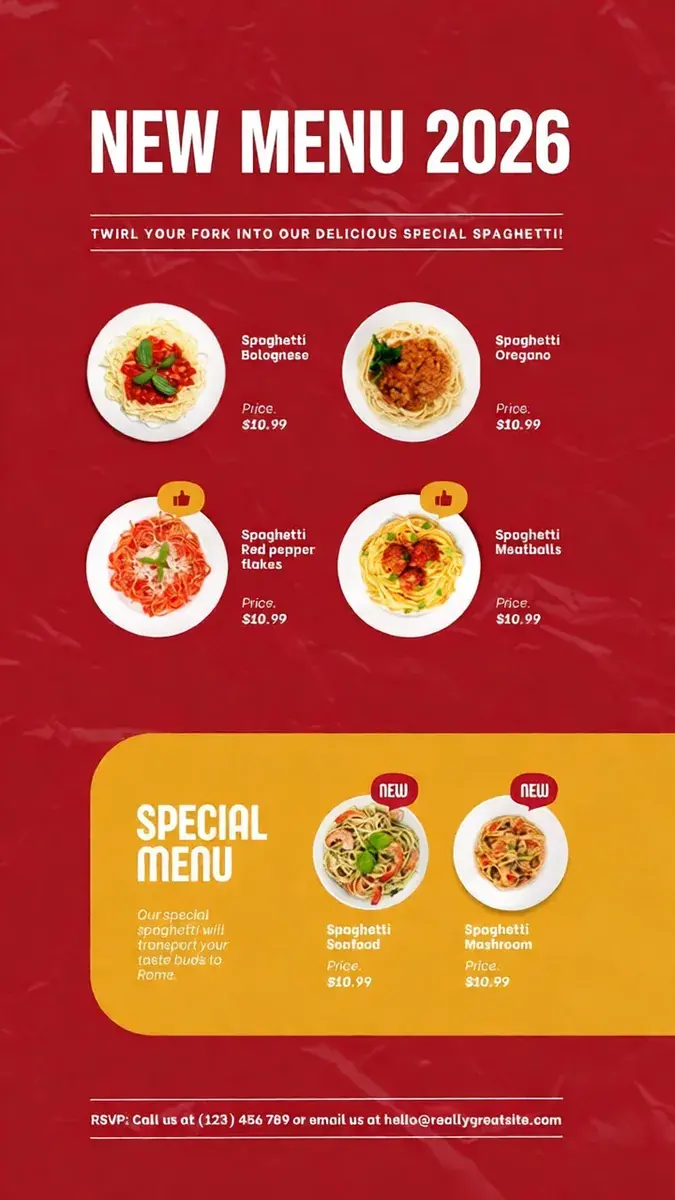
AfterMenu board
Edit menu text in an image
Update menu wording, prices, or short descriptions in a finished image.
FOOD PRICE LISTNEW MENU 2026
 Before
 After
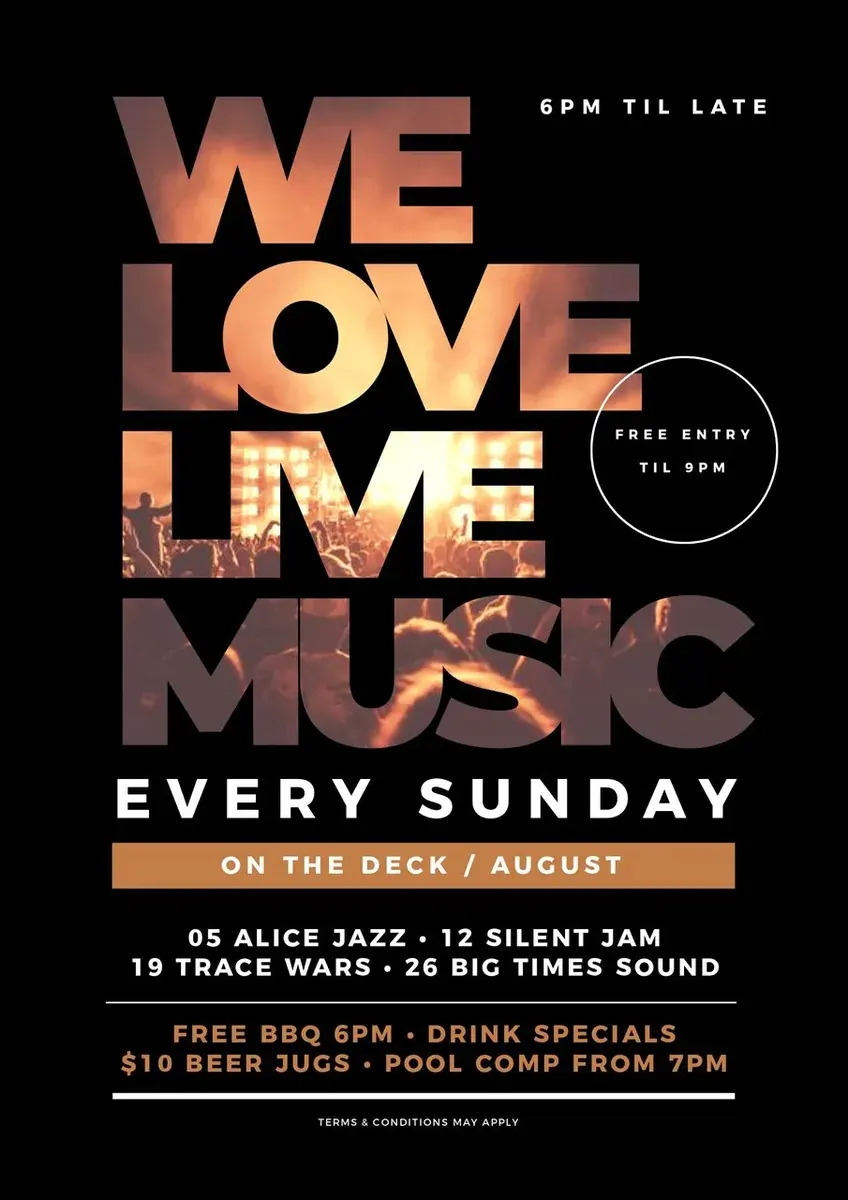
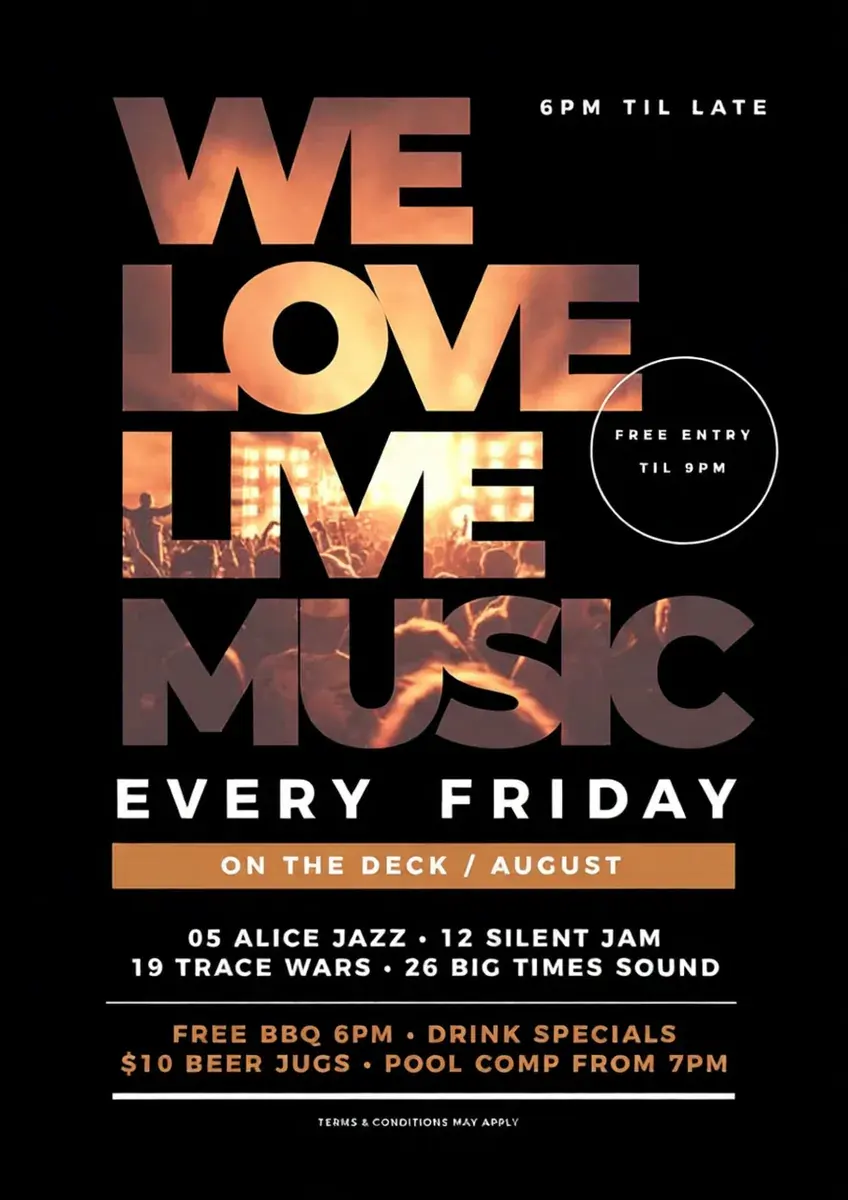
AfterEvent poster
Edit poster text in an image
Change a date, headline, or event message without rebuilding the poster.
EVERY SUNDAYEVERY FRIDAY
EVERYDAY USES
When to edit text in an image
Use the editor when the words are already flattened into an image and the original design file is unavailable.
RESULT QUALITY
What works best when editing text in images
Results depend on image quality, text size, background detail, and how different the replacement is from the original.
Works best for
- ✓Large, clear text
- ✓Short replacements
- ✓Signs, menus, posters, and headlines
- ✓Simple or lightly textured backgrounds
May need another try
- •Small or blurry text
- •Curved or heavily styled lettering
- •Text repeated in several places
- •Busy textures or much longer replacement text
Review the result before you publish.
Learn which images work best →PRICING
Pay only for the edits you keep
No subscription, no monthly plan, and no credits that quietly expire while you are not looking.
- First edit free
- Try your own image before you pay.
- One-time credit packs
- No subscription. Unused credits do not expire.
- Failed edit? Credit returned.
- If a paid edit fails technically, the credit returns automatically.
Paid credits render at up to 2K. Free edits render at 1K.
QUESTIONS
Edit text in image FAQ
File inputs, result quality, and the basics to know before downloading.
Can I edit text already inside an image?
Yes. Upload your JPG, PNG, or WebP image, enter the current text exactly as it appears, and enter the replacement. The AI replaces the existing text directly within the image.
Do I need Photoshop?
No. You do not need Photoshop or design software. Simply describe the text change, generate the updated image, and download when it looks right.
Does the tool automatically detect text in my image?
No. The editor does not use automated OCR detection. You need to manually enter the words exactly as they appear in the image so the tool knows what to replace.
What image formats can I use?
You can upload JPG, PNG, and WebP images.
Why might my result look different from the original?
A flattened image keeps no font file, so letter shapes, weight, and spacing are rebuilt from the surrounding pixels. Clear, large text works best; small, curved, repeated, or textured lettering may need another try.
Can I add a new text layer anywhere in the image?
No. This tool is built specifically to replace existing text in an image. It does not add freely movable text layers, custom typography controls, or Photoshop-style layer editing.
What languages and non-English scripts can I edit?
You can edit text in any standard language and alphabet using UTF-8 characters, including English, Spanish, French, German, Japanese, and Chinese. The AI adapts the stroke weight and visual style to match the surrounding scene.
Can I use generated images for commercial advertising and business?
You may use a result for lawful commercial work when you have the rights and permissions for the source image and text. Your existing rights remain yours; review the result and the Terms before publishing.
Are my uploaded photos kept private and secure?
We process the image and instructions needed to return your edit and use reasonable safeguards. Hosting and image-processing providers may handle the request under their current terms and retention rules; do not upload sensitive material until you have reviewed the Privacy Policy.
What happens if an edit fails technically or experiences a timeout?
If an edit suffers an unexpected technical error or processing timeout, the spent credit is instantly and automatically returned to your account balance. You only pay for completed, usable results.
Ready to edit text in your image?
Upload an image, enter the current text and the replacement, then generate a new version to review.