

Fix a typo in an image
Have a picture with a misspelled word? Type the wrong version and your correction. Preview the result before you download it.
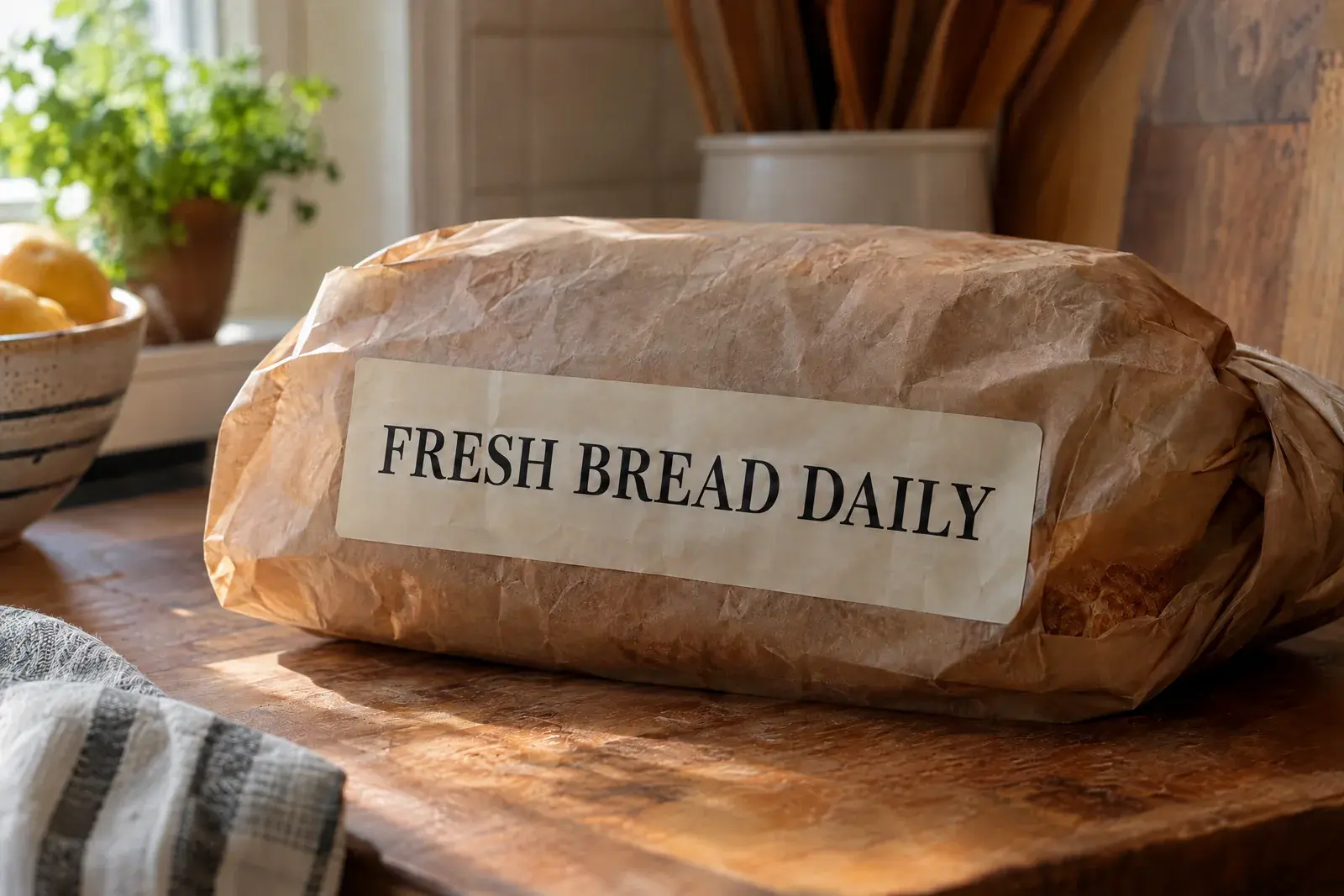 After
After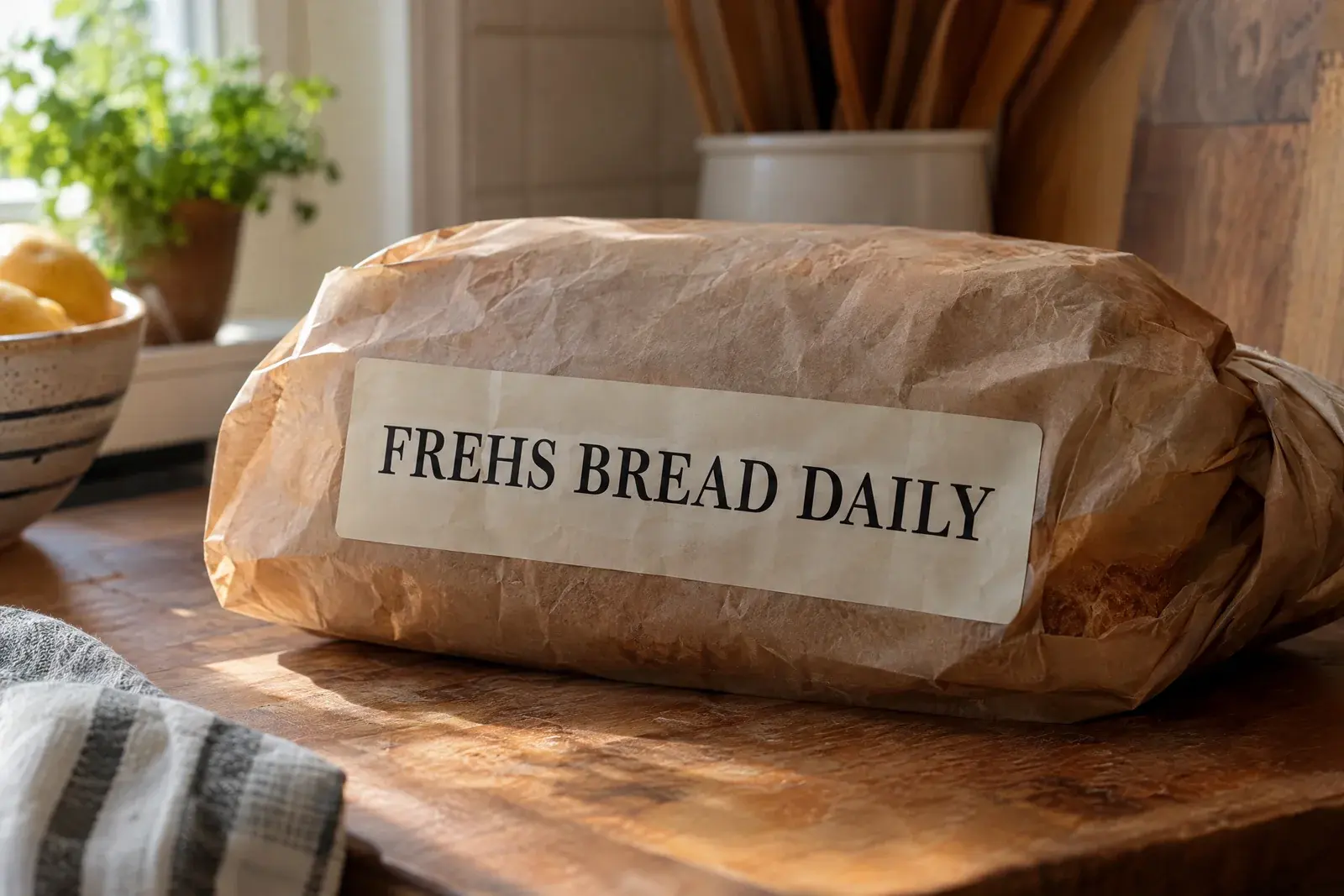 Before
Demo example: “FREHS BREAD DAILY” becomes “FRESH BREAD DAILY”. Your result may look different, so check it before downloading.
Fix the typo
Type the word as it appears in the image — typo included — then type it correctly.
Generate without signing in. A Google sign-in is only needed to download the file.No sign-in needed to generate
Only edit images you own or are authorized to change. Do not alter official records, proof of payment, or content intended to mislead someone.
- First edit free
- No design file needed
- JPG, PNG and WebP up to 10 MB
Yes. You can correct a misspelled word in a photo, poster, menu or screenshot without the original design. Enter the wrong text and its correction, then review the result. Nearby letters and details may change, so check the image before downloading.
How to fix a typo in an image
Three steps, no design tools.
Upload the picture
Add the JPG, PNG or WebP that contains the typo. Files up to 10 MB work straight from your phone or computer.
Type the wrong text and the fix
Copy the misspelled wording exactly as it appears — one word or a short line — then type the corrected version.
Generate and download
The editor tries to follow the lettering already in the image. Review the result, then download the corrected picture.
The correction tries to follow the existing lettering. Decorative or hand-painted words may need another try, so check the preview before downloading.
Fix a typo in an image: examples
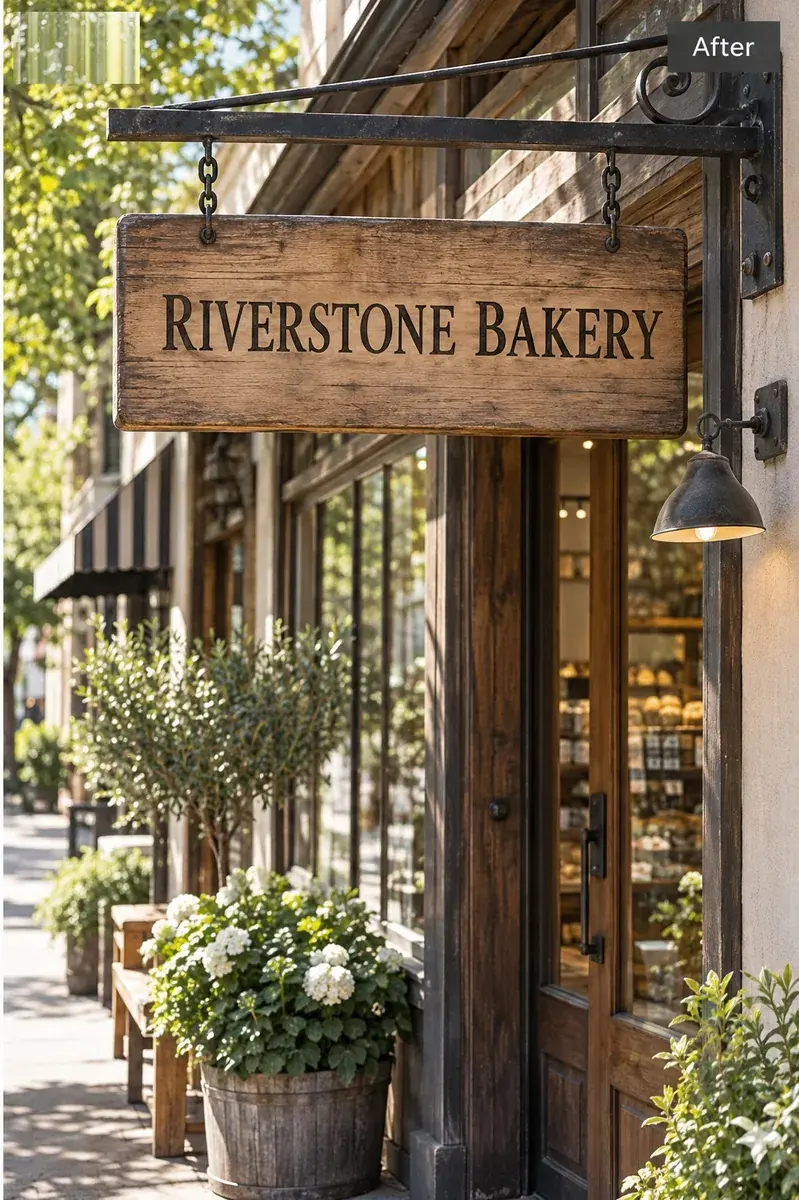
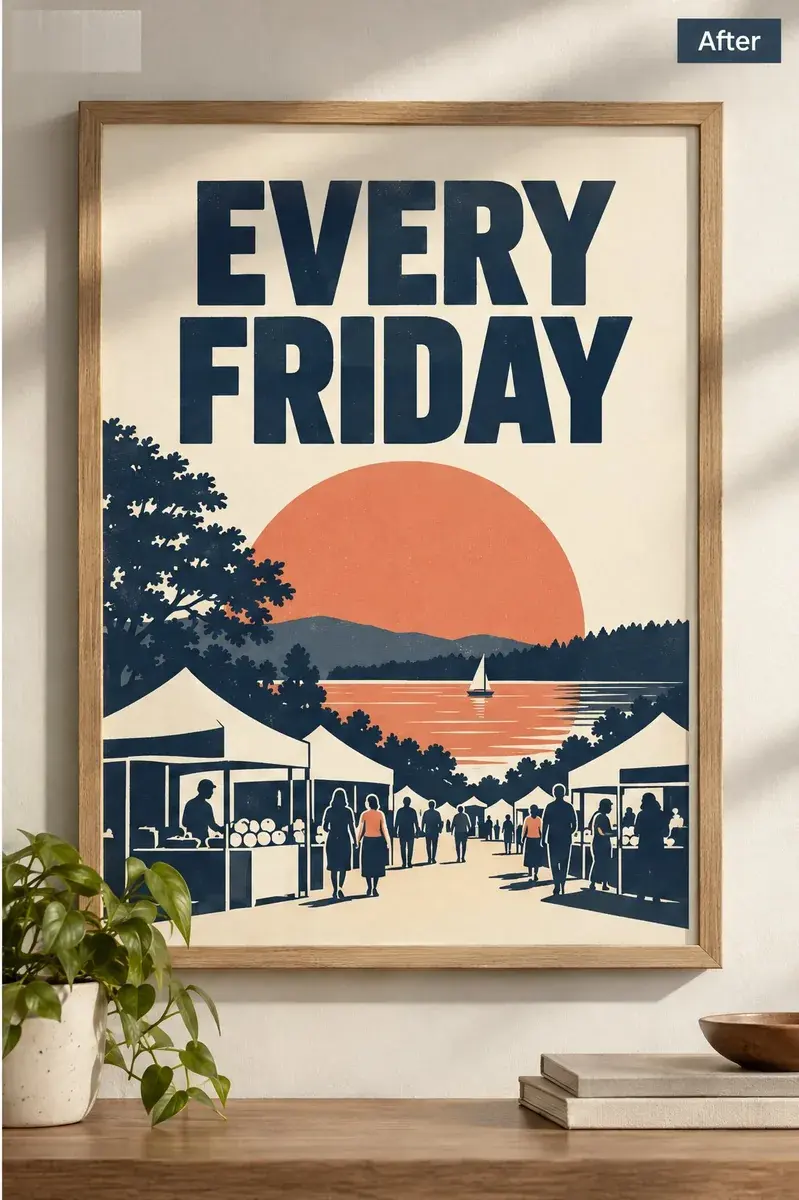
These demo images show common fixes on a bread bag, café menu, library poster and shop sign. They are examples, not edits from user uploads.
Example 01
Correct a café menu typo
Change “SPECAIL” to “SPECIAL” on a café menu photographed from above.
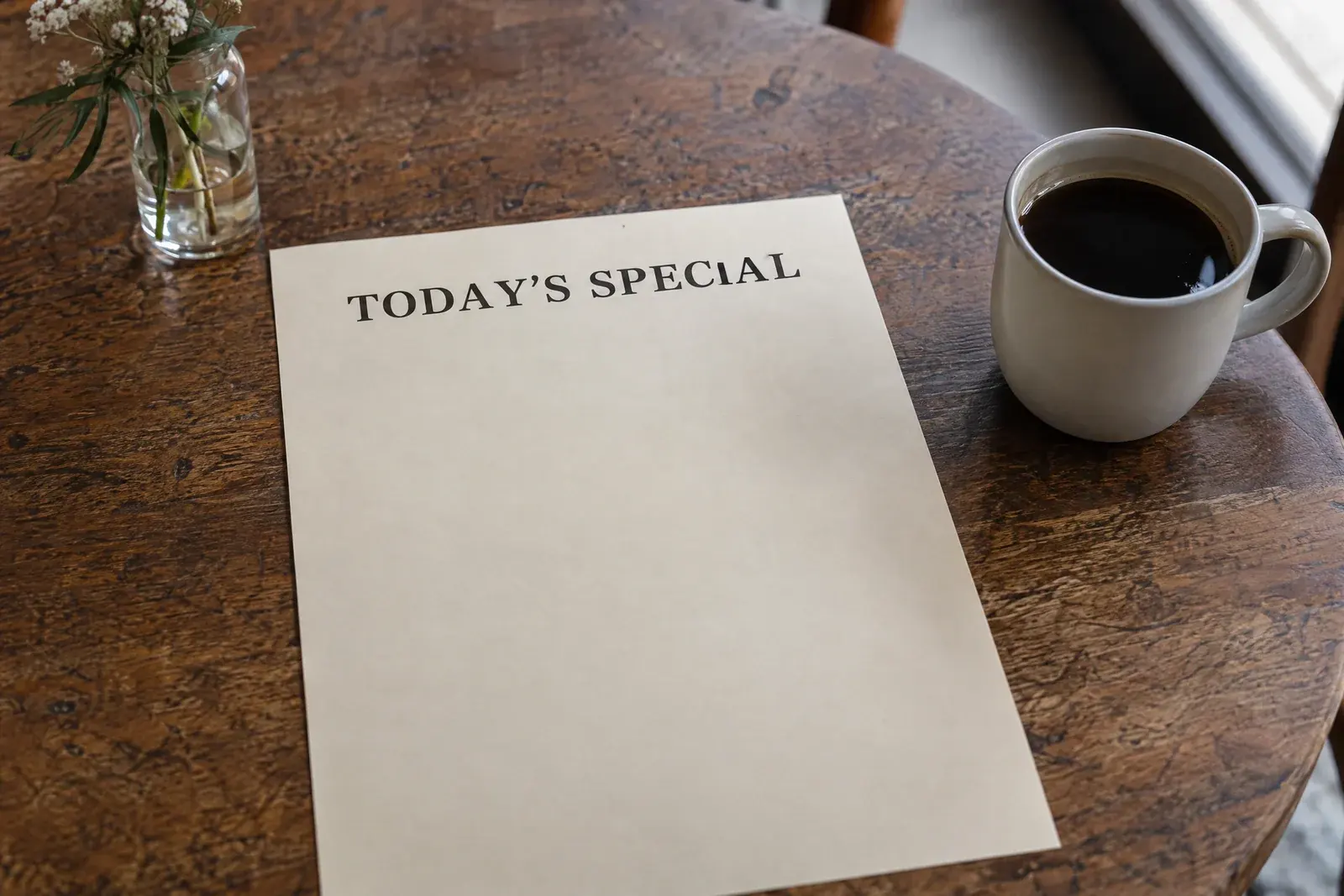 After
After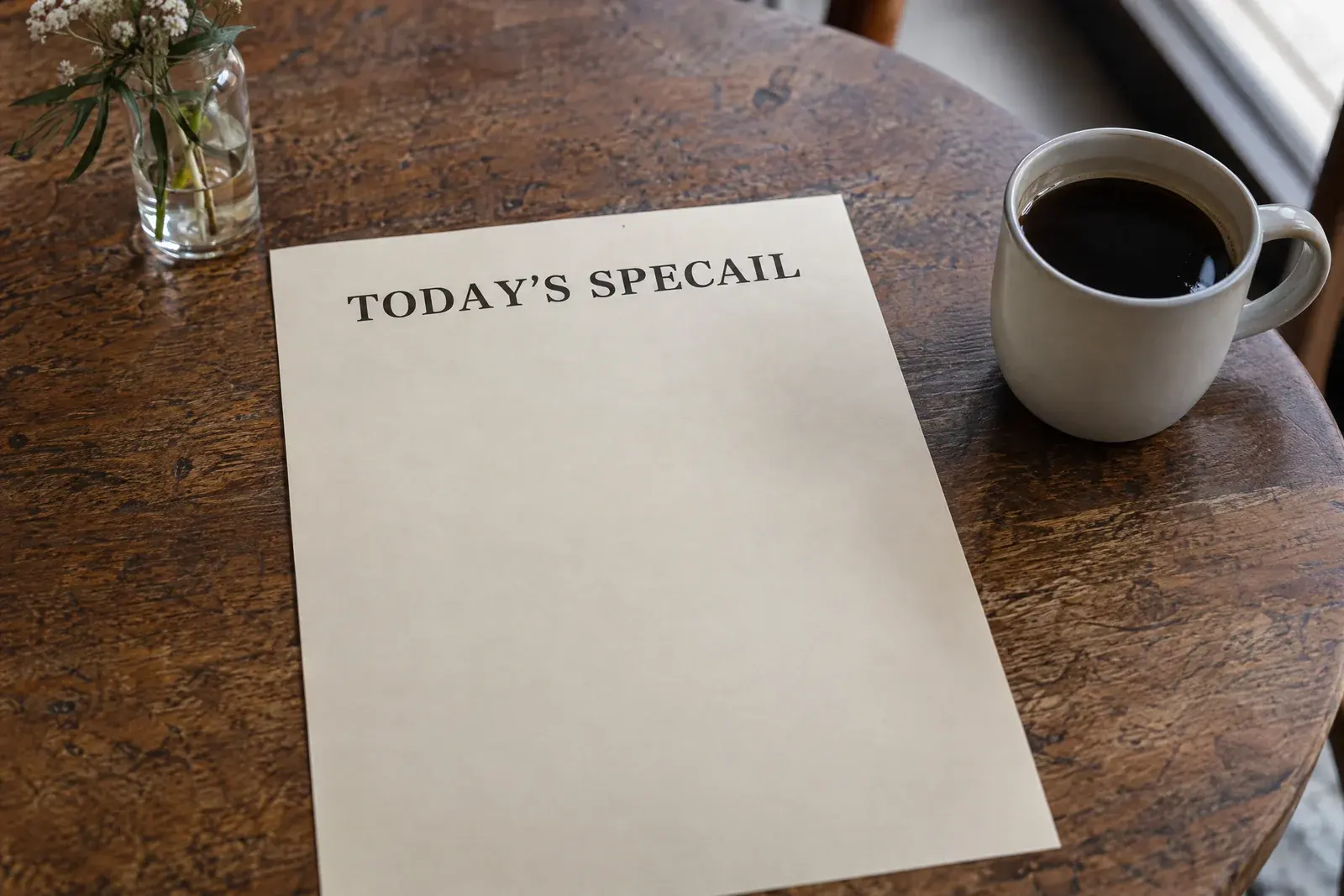 Before
Text change:
TODAY'S SPECAILTODAY'S SPECIALExample 02
Fix the day on a book fair poster
Change “SATUDRAY” to “SATURDAY” on a library poster photographed straight on.
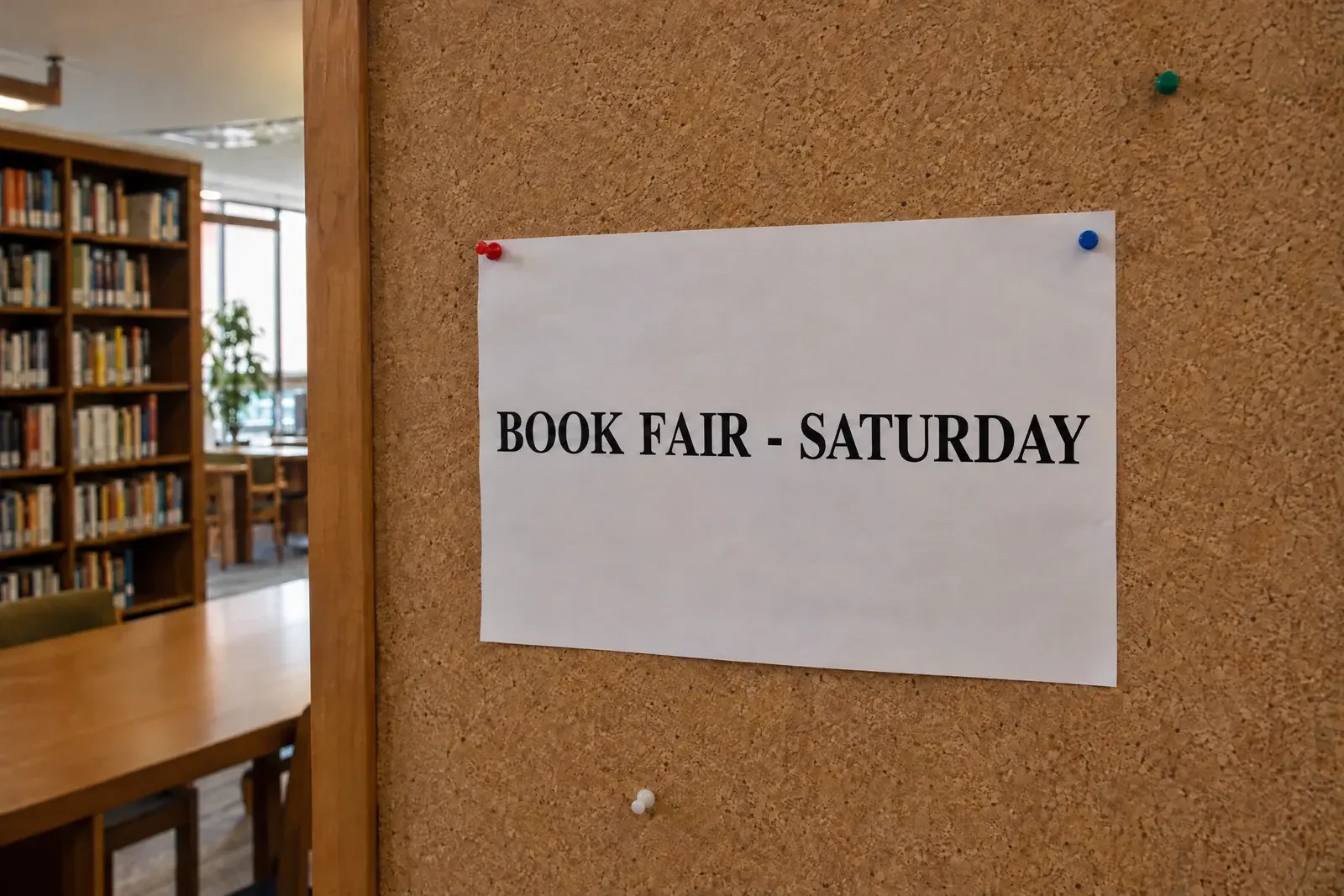 After
After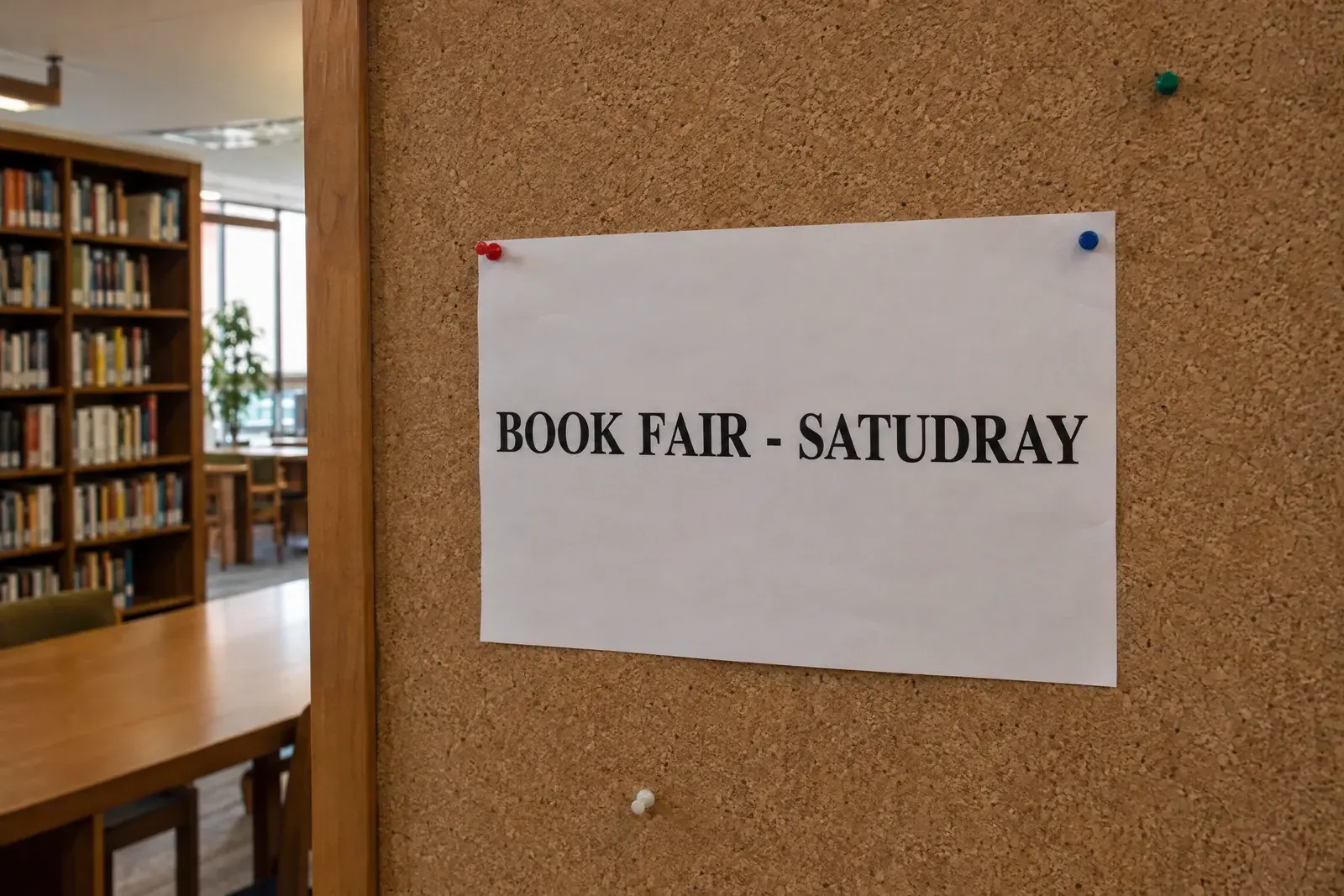 Before
Text change:
BOOK FAIR - SATUDRAYBOOK FAIR - SATURDAYExample 03
Correct shop opening hours
Change “TUESDYA” to “TUESDAY” on a shop-door sign photographed through the glass.
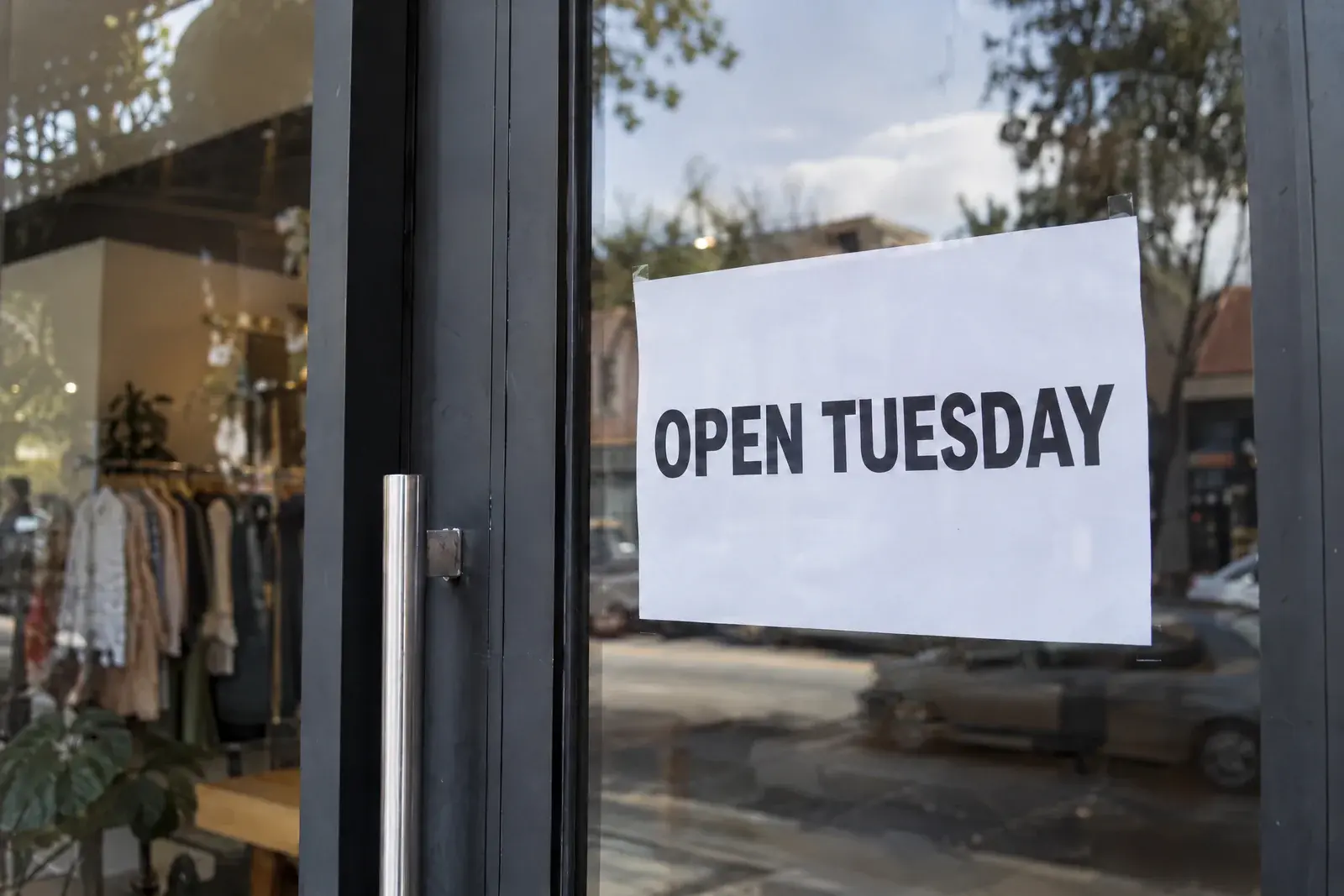 After
After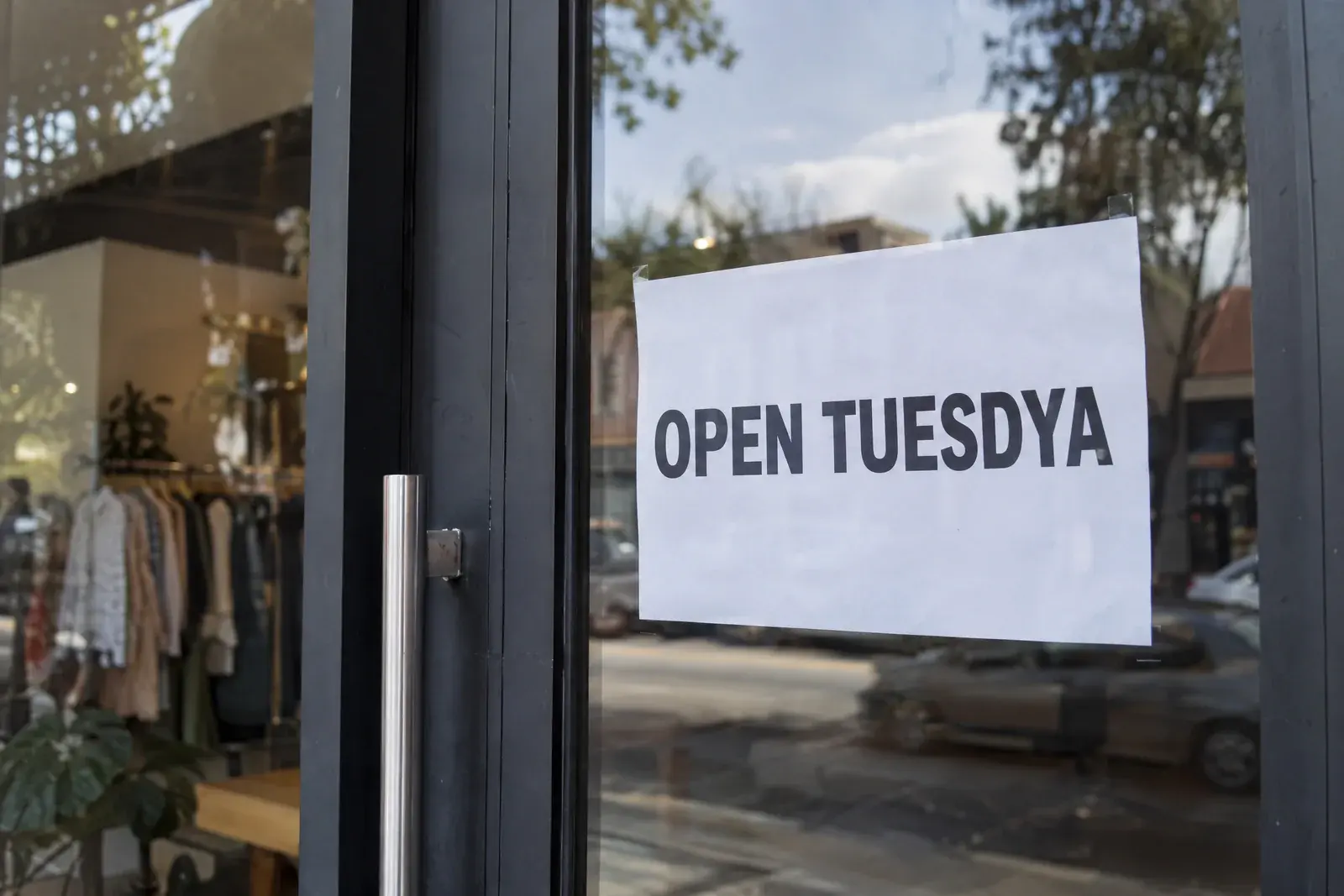 Before
Text change:
OPEN TUESDYAOPEN TUESDAY
When fixing a typo works — and when it does not
Check these limits before you upload.
Handwriting and signatures
Handwriting can vary from one letter to the next, so a correction may leave marks. Do not change signatures on documents.
Very small or blurry text
If the word is already hard to read in the original, the corrected letters may also look blurry.
IDs, certificates and official records
Correcting text on identity documents, diplomas or receipts is not allowed — that is document forgery, not a typo fix.
Whole paragraphs of text
The editor targets a word or a short line. Rewriting long blocks of text is a different job and gives weaker results.
Unsure whether your case fits? The free preview shows the result before you download.
Fix a typo in an image — FAQ
Direct answers about what a typo fix can and cannot do.
Can I fix a typo in an image without the original file?
Yes. Upload the JPG, PNG or WebP image you have. Type the misspelled text exactly as it appears, then enter the corrected version.
Will the correction keep the same font?
It tries to follow the nearby lettering, but ornate or hand-painted words may look different. Check the preview before downloading.
What kinds of typos can be corrected?
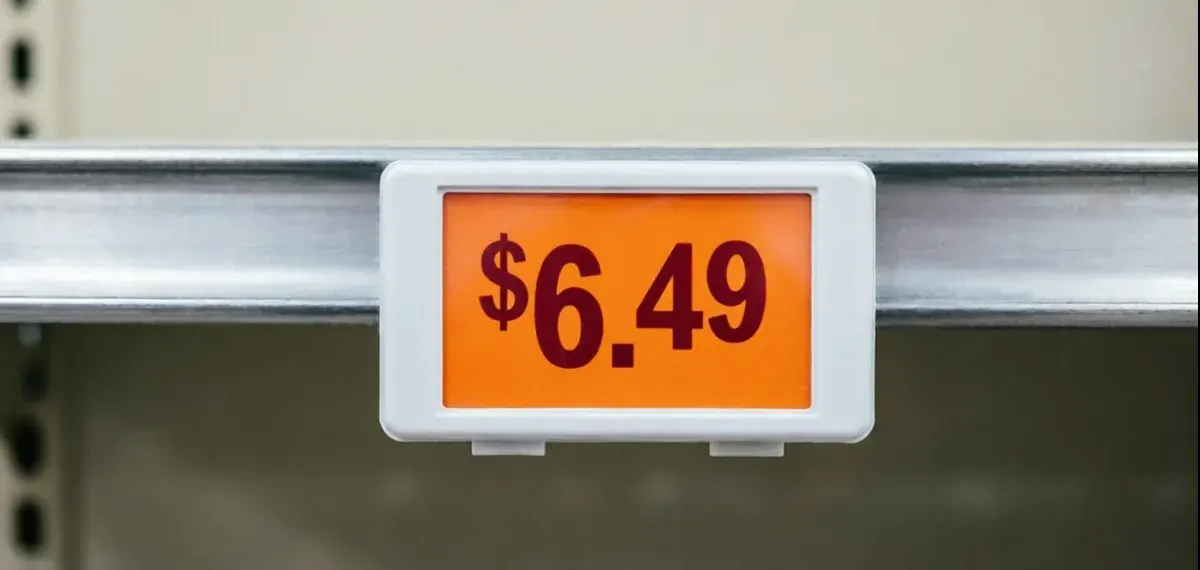
Short misspelled words, names, punctuation, prices and dates. For number changes, the numbers editor gives more focused steps.
Does it work on screenshots?
Yes. You can correct button labels, messages and other words shown on a screen. For screenshots from an app, use the screenshot editor.
Can it fix spelling in languages other than English?
Yes. Type both versions as they should appear, including accent marks or characters from another language. Check the preview because some letters may be read incorrectly.
How much does it cost?
The first edit is free. After that you use one-time credits — no subscription. If an edit fails, the credit is returned automatically.
How long does a fix take?
Most fixes finish in 7–10 seconds. Complex backgrounds or large images can take a little longer. You can see how long it has been running while you wait.
Do I need to select where the typo is?
No. After upload, you can click words found in the picture or type them yourself. If no words appear, enter the misspelled text by hand.
Is it OK to fix a typo on a business poster or menu?
Yes, if it is your own material — posters, menus, product photos and listings are the main use case. Identity documents, certificates, receipts and records are not allowed, because correcting them is forgery rather than a typo fix.
What if the first result misses the typo?
Try again with the text copied more carefully or include nearby words. Your text stays in the form, and a failed edit returns its credit automatically.
More ways to edit text in images
Correct the typo and review the image
Upload the picture, enter the wrong word and its correction, then check the result before downloading.